Case study · Design + Build · 2026
Geofencing K3 Inspections
Proof-of-presence inspections for fire extinguishers and other emergency equipment at a shipyard company.
In short
- Problem
- Paper cards couldn't prove an inspector was really there.
- What I did
- Designed and built a QR and geofence PWA that keeps working offline.
- Result
- In development; sign-in now needs a third of the database round trips.
01The problem
Inspections were written on paper cards hung on each extinguisher. Cards got lost or became unreadable, nothing proved the inspector had actually stood in front of the equipment, and every monthly recap meant copying dozens of cards by hand.
02My role
I designed and built it end to end for the client: the inspection flow, the admin console, the data model, the offline sync and the PDF reports.
03What I built
QR sticker per asset
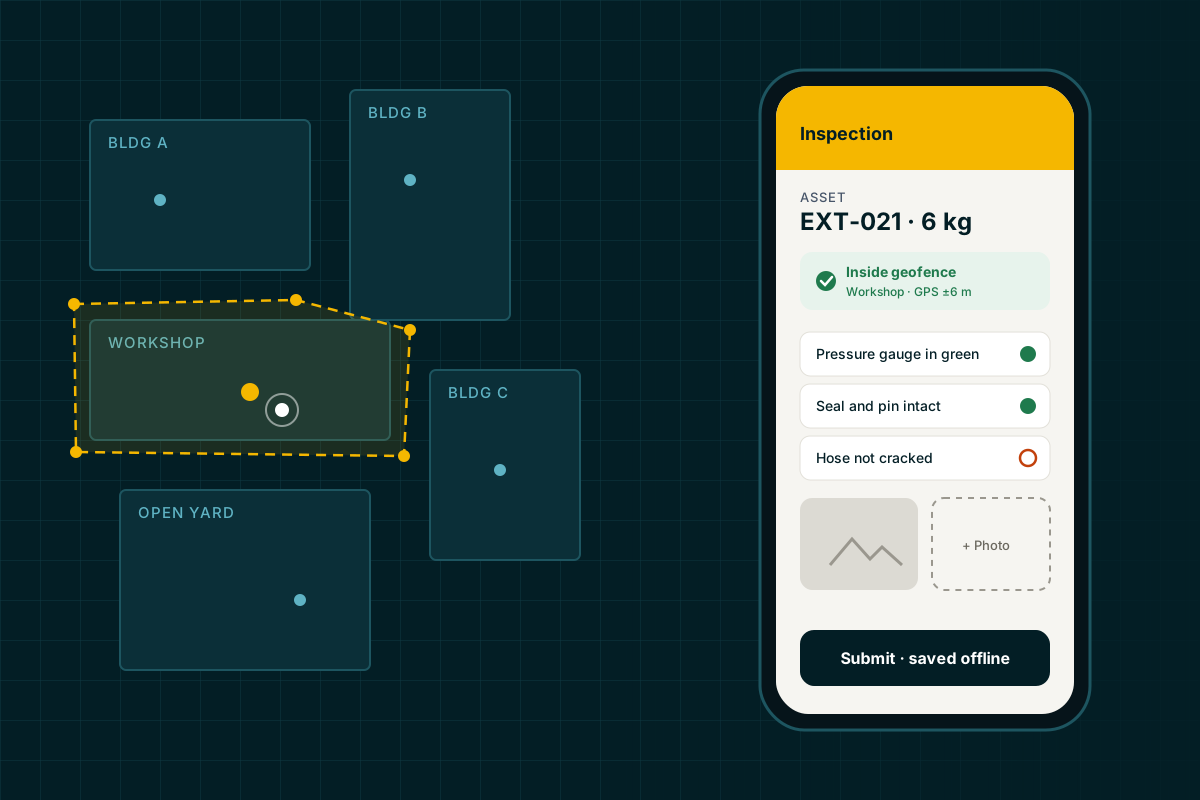
Each extinguisher gets a sticker with a random token. The inspection form only opens after a scan, and sticker sheets print at exact millimetre sizes.
Building geofences
Each building gets a polygon drawn on the site map. The phone's GPS position must fall inside the right building before the inspection counts.
Photo evidence
Photos are taken inside the form, compressed on the device and stored with the record.
Findings
A failed checklist item becomes a follow-up finding automatically, so nothing waits for the next recap.
Offline queue
Inspections save to an on-device outbox and sync when signal comes back. Yards and engine rooms are not known for good reception.
Reports
Monthly PDF reports, a findings recap with photos and a per-asset control card, generated on demand.
Three roles
Inspector on the phone, administrator on the desktop and a read-only monitor, each with its own tint.
- ScanQR sticker opens the form
- CheckGPS inside the building's polygon
- InspectChecklist + photos
- QueueOn-device outbox
- SyncPostgres + Blob
- ReportMonthly PDF
04Design decisions
Flag, don't block
GPS is weak inside steel buildings. A reading outside the geofence is saved and marked for review instead of rejected, so nobody has to fake a reading.
Colour means role, never status
Only the sidebar and header change colour per role. Status colours stay fixed and never use the brand amber, so a warning never looks like decoration.
Built for gloves and sunlight
Field buttons are 56 px tall with high-contrast labels, and the main action sits at the bottom of the screen.
One door
A single sign-in page detects the role and routes people to the right workspace.
- Inside geofence
- Needs review
- Defect
- Synced
05Stack
- Front end
- Next.js 16, React 19, Tailwind, shadcn/ui
- Auth
- Auth.js (credentials)
- Data
- Postgres on Neon, Drizzle ORM
- Files
- Vercel Blob
- Offline
- Service worker, IndexedDB outbox
- Reports
- react-pdf
- Maps and scan
- Leaflet, jsQR
- First version
- Laravel 13 + Filament 3
06Result
- Sign-in
- Cut from six sequential database round trips to two.
07Visuals
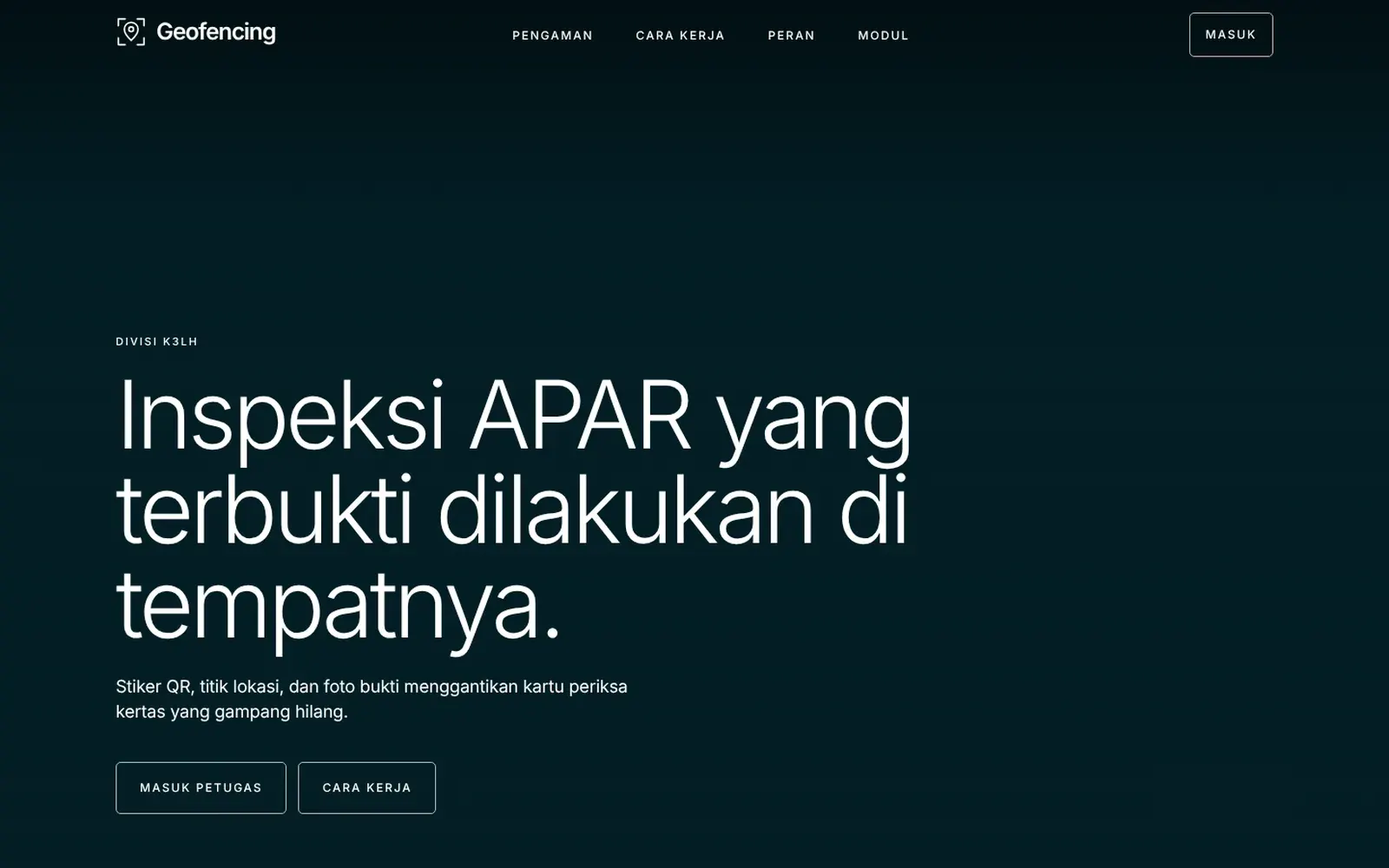
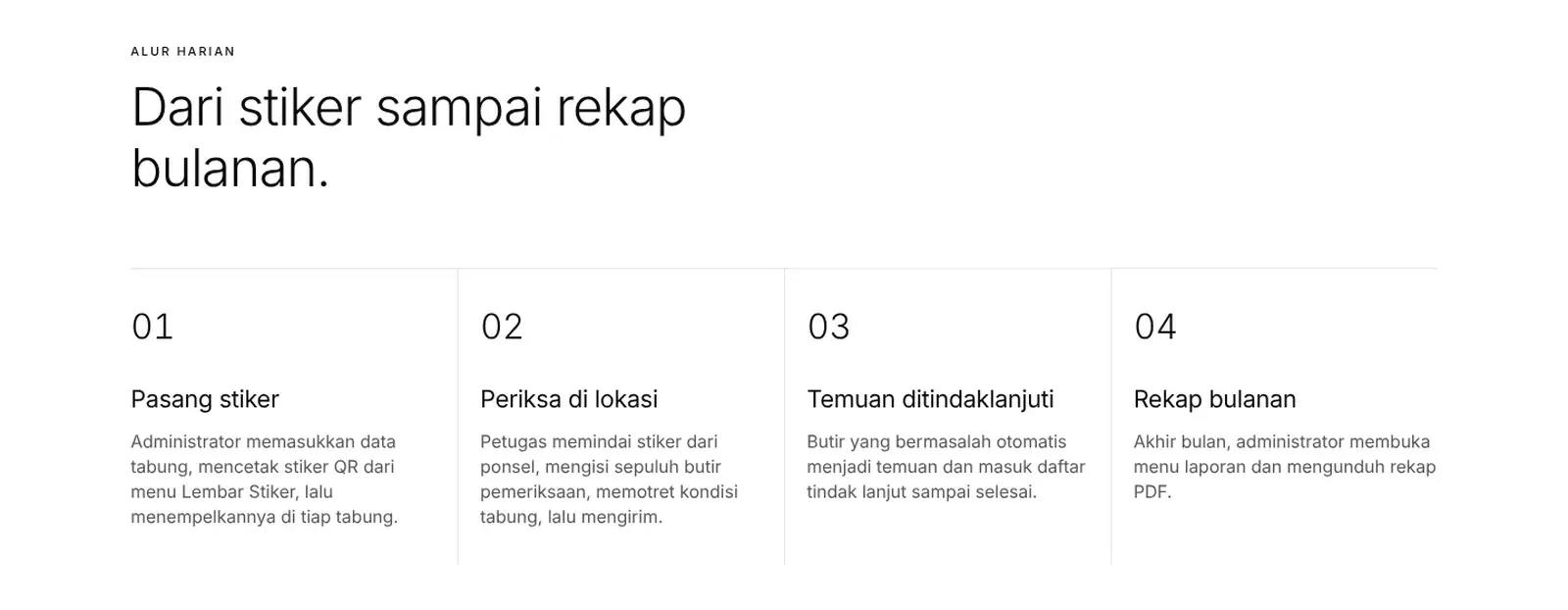
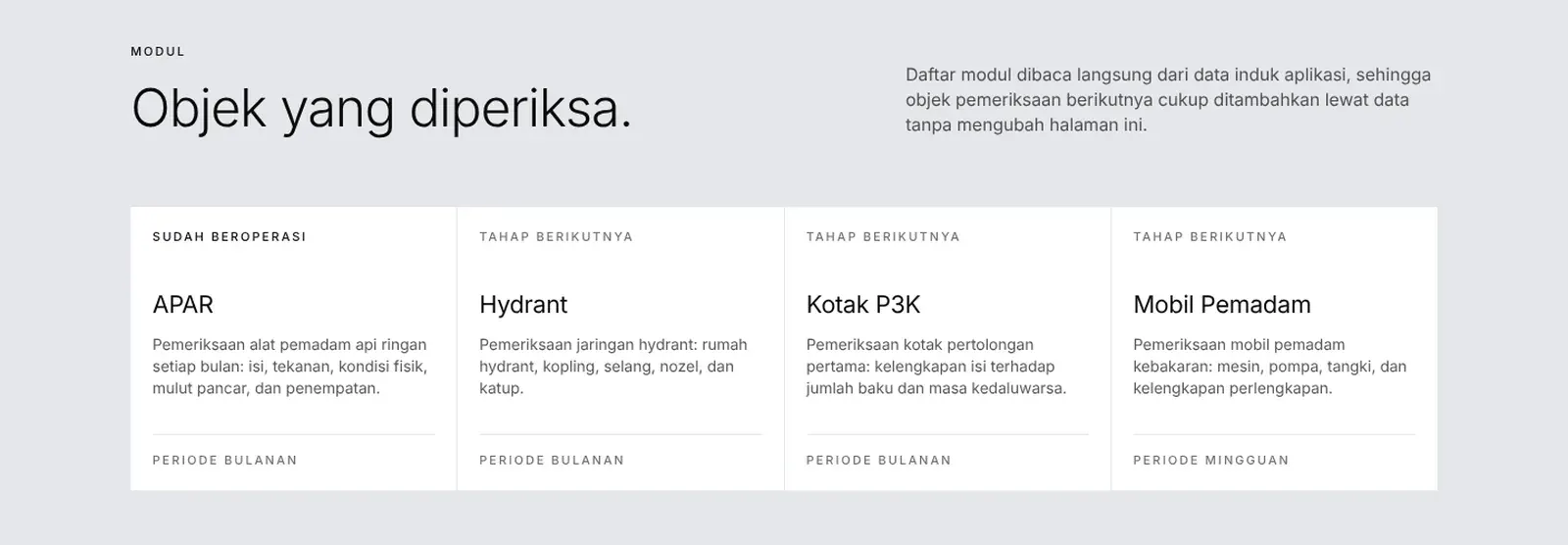
All screens are neutral mockups drawn for this portfolio. No client names, logos, photos or live links.